

Introduction
Welcome back to the weekly newsletter.
Typing is not always the fastest way to think.
You may know exactly what you want to say, but the moment you open a blank document, you slow down. You rewrite the first sentence. Fix the wording. Delete it. Start again. Twenty minutes later, you have three polished lines and very little actual progress.
For some types of work, there is a simpler approach.
This week’s tool is the Voice-to-Text Workflow: speak the first draft naturally, convert it into text, and edit only after the ideas are out. The important part is the sequence.
Capture first. Edit second.
If you try to dictate polished prose, correct every transcription error immediately, and continuously jump between speaking and editing, you have simply created a more complicated way to type.
Weekly highlight: Speak rough drafts first, then edit the complete text once.
Voice-to-text is useful because speaking and editing are different jobs and is available in most email programs. When you draft and edit simultaneously, you constantly switch between:
What am I trying to say? and: Is this the best way to say it?
That switching creates friction. A more efficient workflow separates them. First extract the thinking. Then improve the output.
Use voice only where it is genuinely faster
Do not dictate everything. Voice-to-text works best when you already understand the subject and need to get your thinking out quickly.
Good examples include:
· drafting an email;
· outlining a presentation;
· capturing thoughts after a meeting;
· drafting a report section;
· recording feedback;
· creating notes after a client or stakeholder conversation;
· outlining an article;
· capturing ideas while walking.
It is less useful when the work depends heavily on exact numbers, complex formatting, formulas, tables, or precise technical language. If typing is faster for the task, type. The objective is efficiency, not using voice because it feels innovative.
Decide the point before you start talking
Voice becomes inefficient when you start speaking without knowing where you are going. Before recording, take 20–30 seconds and define:
What am I trying to produce?
Then identify two or three points you need to cover. For example, before drafting a manager update:
Purpose: Explain why the project is delayed and recommend the next step.
Points:
· what happened;
· business impact;
· recommendation.
Now speak. You do not need a script. You need enough structure to prevent a five-minute ramble from becoming a ten-minute editing job.
Speak naturally, not perfectly
This is where most people make voice drafting harder than necessary. They try to dictate the final version.
Do not.
Speak the way you would explain the issue to a competent colleague.
For example:
“The project is about two weeks behind because we still haven't received the final customer data. The main risk is that this pushes testing into November. I think the best option is to start testing the completed modules now rather than waiting for the full dataset.”
That may not be polished enough to send. It does not need to be. It already contains the substance. Editing that paragraph is much easier than creating it from nothing.
Do not correct while you speak
If the transcription misses a word, keep going. If one sentence is awkward, keep going. If you repeat yourself slightly, keep going. Constantly stopping to repair the text destroys the benefit of voice capture.
Finish the thought first. Then edit.
The exception is when the transcription error changes something critical such as a name, figure, technical term, or instruction you may not remember later. Otherwise, leave it. Your editing pass exists to clean those problems up.
Keep voice drafts short
Voice creates text quickly. It can also create too much text quickly.
That is the main danger.
A two-minute spoken explanation can easily become hundreds of words. So avoid recording fifteen minutes of unstructured thinking and expecting the transcription to magically become a useful document. Break longer work into sections.
For example, for a report:
Section 1: What happened
Speak.
Stop.
Section 2: Why it matters
Speak.
Stop.
Section 3: Recommendation
Speak.
Stop.
Now you have three manageable blocks rather than one long transcript.
Edit for compression, not reconstruction
Once the draft exists, switch modes. Now you are the editor. Your first job is usually not to add more. It is to remove.
Delete:
· repetition;
· filler words;
· unnecessary context;
· verbal detours;
· duplicated arguments.
Then improve:
· structure;
· clarity;
· tone;
· grammar;
· precision.
The spoken version may say:
“I think what we probably need to do here is maybe look at whether we can bring the review forward a little bit because otherwise we're potentially going to have an issue later in the month.”
The edited version becomes:
“We should bring the review forward to avoid delays later this month.”
Same idea. Much cleaner output.
Use a simple two-pass rule
Do not create six stages. A productivity hack that requires a complex workflow has failed. Use two passes.
Pass 1 Speak; Get the useful content out.
Pass 2 Edit Turn it into the required output.
That is enough for most everyday drafting. If the document is important, you may still need a final accuracy check. But do not build an elaborate capture-transcribe-summarize-rewrite-format-review system for a task that would have taken fifteen minutes to type. The workflow should remove work, not manufacture it.
Compare it against typing
After using voice-to-text a few times, measure whether it actually helps you.
Ask: Was the total time shorter?
Not just drafting time. Total time. If speaking saved ten minutes but created twenty minutes of cleanup, it was not efficient.
Also ask: Did it improve the quality of my thinking?
Some people explain ideas more clearly aloud. Others think more precisely through writing. Your answer may also change by task. You may find voice excellent for first-draft emails and terrible for analytical reports. That is useful information.
Build the workflow around where it genuinely saves effort.
Application
This week, choose one piece of writing you would normally type from scratch.
Before you begin:
· Define the purpose in one sentence.
· Identify 2–3 points you need to cover.
· Speak the first draft without editing.
· Keep the recording short and focused.
· Convert it to text.
· Edit once for structure, clarity, and compression.
· Compare the total time with your normal approach.
Use this simple rule:
If speaking reduces total work, keep it.
If it creates more cleanup than it saves, stop using it for that task.
Productivity is not about adding another tool. It is about removing unnecessary effort.
Summary
Voice-to-text can make drafting faster when typing is slowing down the process. But the advantage disappears if you dictate perfectly, interrupt yourself to edit, record long unstructured monologues, or create an elaborate workflow around it.
Keep it simple.
Know your point.
Speak the rough draft.
Finish the thought.
Then edit once.
Speak first. Edit second.
And only keep the workflow if it genuinely saves time.
Till Next Time,
Maciej
Build the Life You Were Meant to Live
👉 Are you ready to start?
Begin with Establish Foundations. A free training to help you reclaim your time, energy, and focus, so you can finally start making meaningful progress.
👉 Want to truly change your life and achieve any goal?
Build Life Strategy that’s flexible, achievable, and aligned with what truly matters to you. In just 30 days, you’ll start making real progress toward your goals with tools built to fit your real life.
Take Control of Your Career
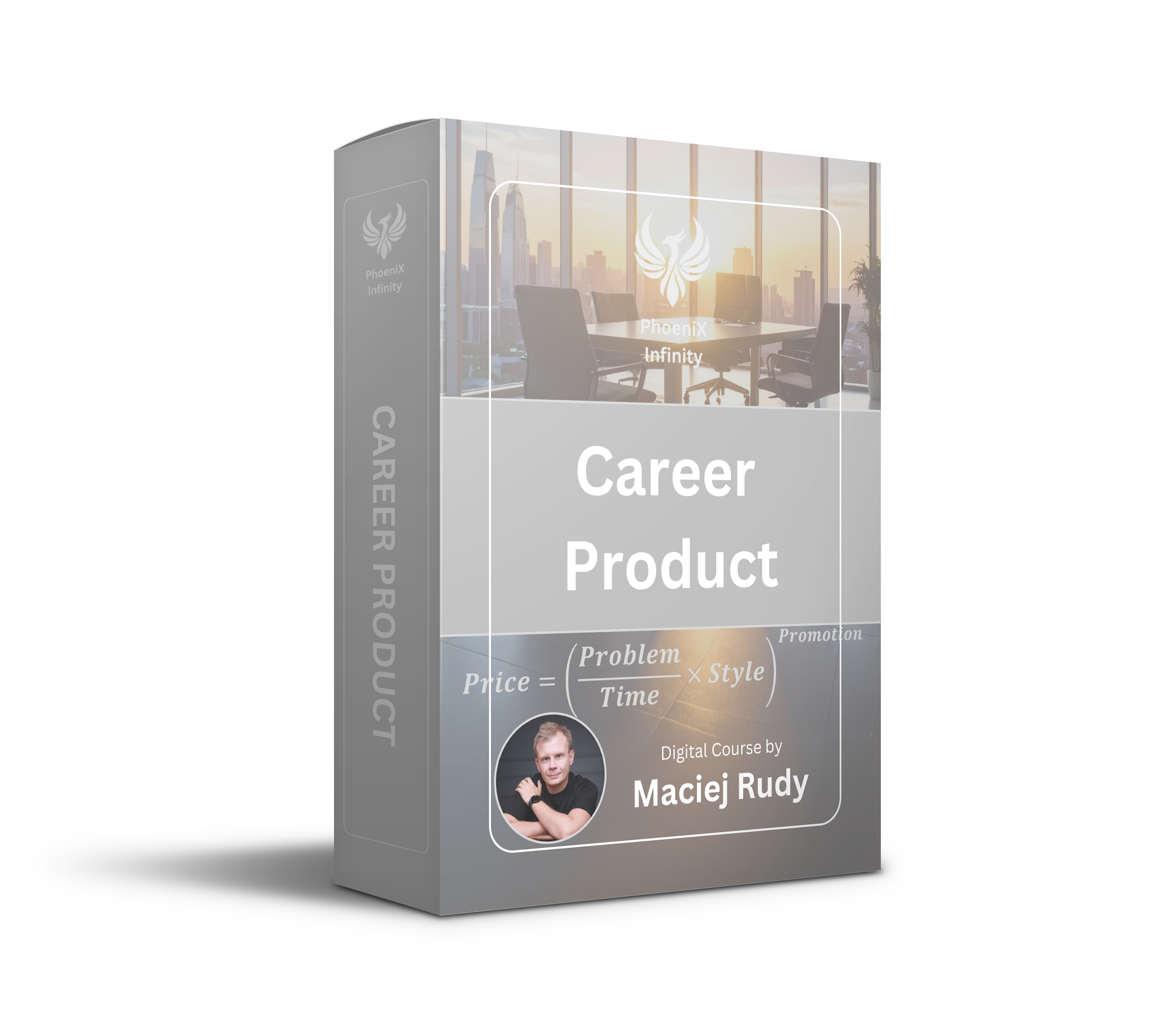
Complete blueprint to accelerate your career, salary and change forever the way you look at your career.
👉 Want to learn full framework?
Start with Career Framework. This free training and toolkit help you understand how your career really works, so you can stop guessing, start strategizing, and build a career that actually moves forward.
👉 Ready to re-design your career around your true value?
Step into Career as Product Course. If you're feeling stuck in your role, unsure how to communicate your value, or wondering why others with less experience are advancing faster, this course is for you.
No pressure. Just the tools, structure, and mindset to move forward, wherever you're starting from.



Responses