

Introduction
Welcome back to the weekly newsletter.
You waste time in tiny ways. The same greetings. The same sign-offs. The same address, phone number, email. It feels small, but it adds up every day. This week’s fix is simple: text snippets. You type a short text, and the full line appears. Less typing. Fewer mistakes. Faster replies.
A Text Snippet Library is a set of “canned lines” you can drop into any email, doc, or message using hotkeys. Think: signatures, addresses, meeting links, common answers, polite declines, follow-ups, and templates. We’ll use Beeftext I use as an example, because it’s quick and lightweight.
Weekly highlight: Canned lines and signatures you drop in with a hotkey.
Typing is not your best work. Decisions are. Snippets remove repeat typing so you can stay in flow. They also cut errors. One wrong digit in a phone number or one missed line in a signature makes you look sloppy. Snippets keep things clean.
What to use (example: Beeftext)
Beeftext is a text expander that lets you create short triggers like @phone or @mail, and it expands them into full text automatically. You can use it in Gmail, Word, Slack, Teams. Anywhere you type.
Start with the “top 3 repeats”
Do not build a huge library on day one. Start with what you type every week:
- Address
- Phone number
These are quick wins. You feel the benefit immediately.
Example shortcuts (simple and practical)
Here are strong starter snippets using Beeftext-style triggers:
- @home → Your full home address (multi-line)
- @phone → Your phone number in your preferred format
- @mail → Your email address
- @sig →
Your name
Role / Brand
Website / Company - @meet → “Here’s the link: [your meeting link].”
You can also create:
- @thanks → “Thank you for your email. I’ll come back with an update by [time/day].”
- @follow → “Quick follow-up on this. Do you want me to proceed, or should I pause?”
- @agenda → “Can you share the agenda and the decision needed?”
Build “blocks,” not essays
Best snippets are short blocks you can drop fast and tweak if needed. Avoid paragraphs that try to cover everything. If you need long templates, create two snippets: a short one and a long one. Keep your daily ones light.
Add a naming rule so it stays clean
Use a simple pattern:
- Personal info starts with @ + noun: @phone, @home, @mail
- Work actions start with @ + verb: @confirm, @update, @pause
This keeps it easy to remember.
Protect yourself from embarrassing auto-expands
Two rules:
- Don’t use triggers that can appear in normal words. Use special sign like @ as a prefix so it never fires by accident.
- Keep sensitive data in a small set of snippets. If you share your screen often, be mindful.
The real payoff
After a week, you’ll notice:
- Faster replies with less need to test your memory for that phone number
- Cleaner messages
- More consistency in tone
- Less “keyboard fatigue”
It’s not glamorous, but it’s one of the highest ROI productivity tweaks you can make.
Application
-
Install a text expander tool (example: Beeftext).
-
Create three starter snippets that you use the most. For me those are: @home, @phone, @mail.
-
Use them for one week.
-
Only then add more based on what you repeat most.
Summary
If you type it more than couple times, it should be a snippet. Start small, keep triggers simple, and build a library that saves time every single day.
Till Next Time,
Maciej
Build the Life You Were Meant to Live
👉 Are you ready to start?
Begin with Establish Foundations. A free training to help you reclaim your time, energy, and focus, so you can finally start making meaningful progress.
👉 Want to truly change your life and achieve any goal?
Build Life Strategy that’s flexible, achievable, and aligned with what truly matters to you. In just 30 days, you’ll start making real progress toward your goals with tools built to fit your real life.
Take Control of Your Career
Complete blueprint to accelerate your career, salary and change forever the way you look at your career.
👉 Want to learn full framework?
Start with Career Framework. This free training and toolkit help you understand how your career really works, so you can stop guessing, start strategizing, and build a career that actually moves forward.
👉 Ready to re-design your career around your true value?
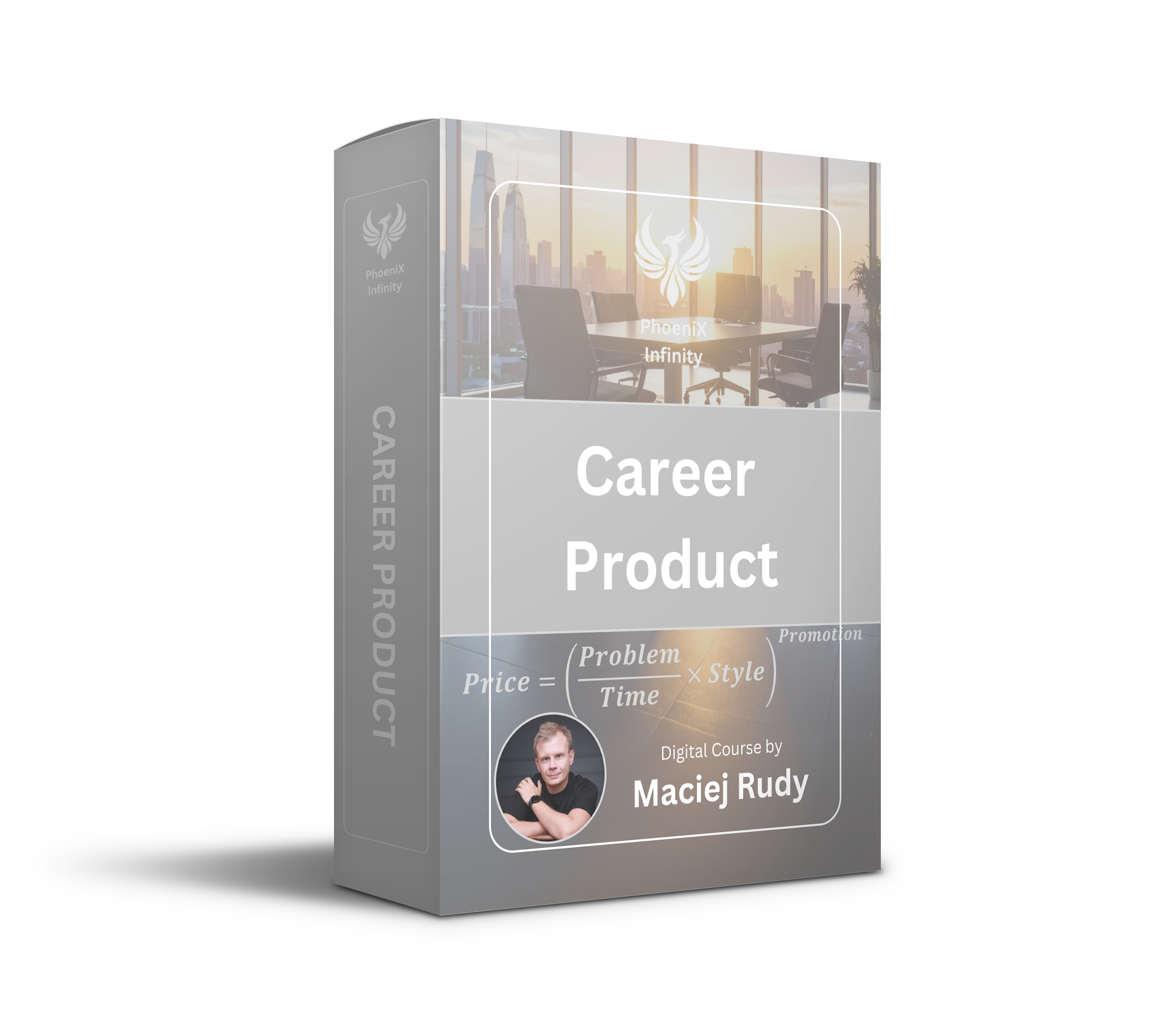
Step into Career as Product Course. If you're feeling stuck in your role, unsure how to communicate your value, or wondering why others with less experience are advancing faster, this course is for you.
No pressure. Just the tools, structure, and mindset to move forward, wherever you're starting from.





Responses